ISP proxies
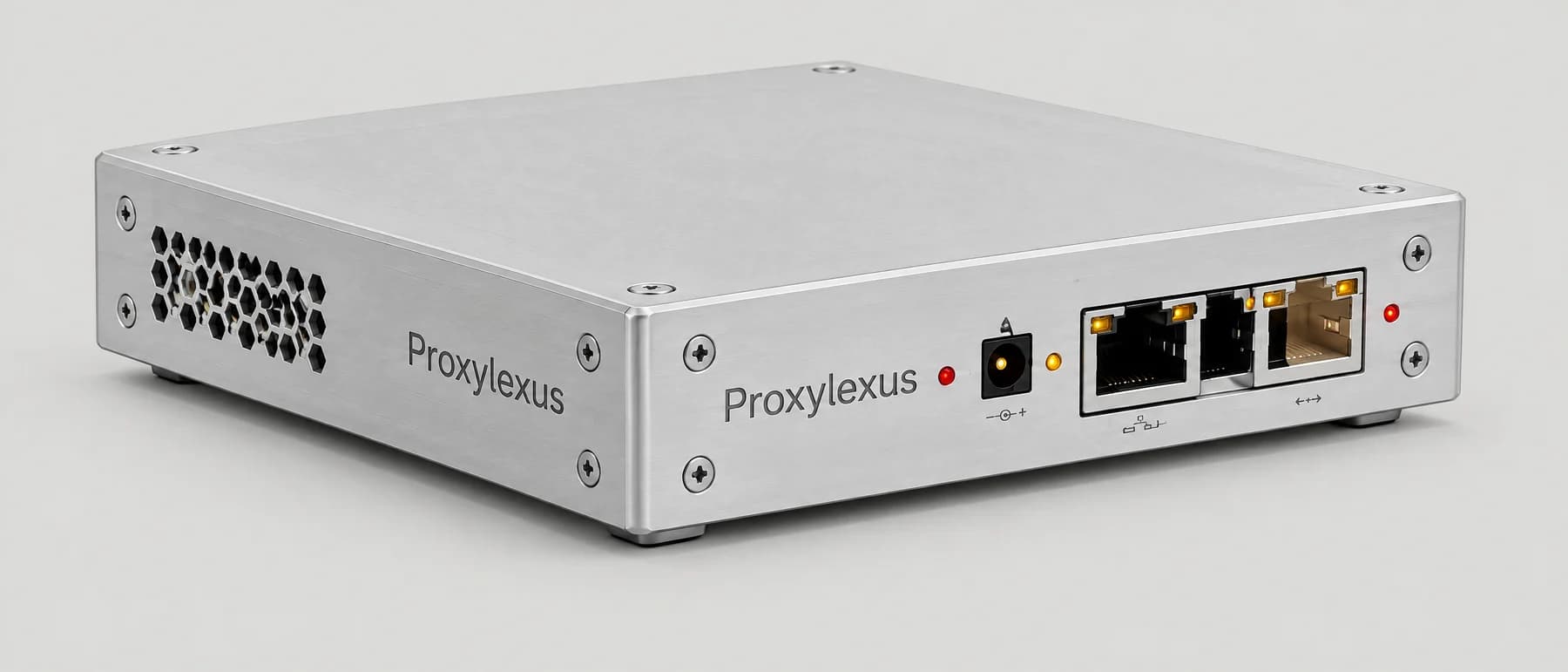
Pick this whenIP class
One address has to stay yours, unchanged, for weeks.
- Address belongs to
- An internet provider — assigned to a server, not to a home
- Behind one address
- Only you — no household, and no other customer
- Latency
- No household line and no carrier NAT in the path
- Held for you
- Yes. One customer per IP, the same address for 30 days
How it works
An ISP proxy is an address registered to an internet service provider and assigned to a server rather than to a home. It is not a hosting company’s range, and no household is behind it.
Each IP in a pack is yours alone for the period: one customer per IP, the same address on every request for 30 days. Nothing rotates — a different address means a different IP from the pack.
A pack is set up by hand. Once your payment is confirmed we activate it within 24 hours, and each IP appears in your dashboard as its own line: address, port, username and password.
You pay for the address, not for the bytes: we do not meter what goes through it, and nobody else’s traffic can spoil its reputation. The other side of that is that its reputation is yours alone too — a blocked or dead IP is not replaced.
How it differs
Against its nearest neighbours, by name. If one of these describes your situation better, the row is a link.
- vsResidential proxiesA household line from a shared pool, billed by the gigabyte — targetable by country, state or city, rotating or sticky, and never yours alone.
- vsMobile proxiesA carrier address shared with many real subscribers, which makes it the hardest to reject — billed by the gigabyte, and it changes underneath you.
Where it fits
Use it for
- Your own logins and accounts, where one address seen day after day is what the service expects
- Allowlists — a partner, an API or a firewall that admits fixed IPs only
- Sessions that outlast any rotation window, with no session name to keep track of
- Work that only needs the United States, Canada or Germany
Do not use it for
- Spreading volume across many addresses — a pack is 10 to 200 fixed IPs, where residential and mobile draw from a whole pool
- Any other country, or a particular state or city — a pack is one country, with no finer choice
- Anything you need running within the hour — activation is done by hand and can take up to 24 hours
- Targets that expect a household or a carrier address — that is what residential and mobile are
What each IP comes as
One IP from a pack, as a client takes it
http://Each IP is its own line, with its own port, username and password. Nothing about it travels in the username, and nothing about it changes until the pack ends.
HTTP runs on the port delivered with each IP. SOCKS5 runs on port 1080 of the same address, with the same username and password. The lines appear in your dashboard once the pack is activated.
FAQ
Questions
How long does activation take?
Up to 24 hours from the moment your payment is confirmed. Every pack is set up by hand, so it is never instant. If it takes longer than 24 hours, you can ask for a refund of the whole pack instead, at any time until it is activated.
What happens at the end of the 30 days?
Pay again before the pack expires and it renews for another 30 days, on the same IPs. We remind you by email 7, 3 and 1 day before it ends. Without a renewal the IPs are released at expiry, and a released IP cannot be recovered — a later purchase is a new pack, with new addresses.
What if an IP stops working or gets blocked?
It is not replaced. Each address is yours alone for the period, and so is its reputation: nobody else’s traffic can burn it, and nobody else’s can repair it either. A pack is not refunded once it is activated, so treat each IP as something to look after rather than something to churn through.
Can I pick a city, or mix countries in one pack?
No. A pack is one country — the United States, Canada or Germany — with no state or city choice. For two countries, buy two packs.
Is it paid from my gigabyte balance?
No. A pack is its own purchase, paid in cryptocurrency, at $3 per IP for 30 days. Gigabytes cannot be spent on it, and it adds nothing to your balance.
How a pack is sold
$3/IP
Per IP, for 30 days, in packs of 10 to 200. Paid in cryptocurrency and kept apart from the gigabyte balance: residential and mobile never draw on a pack, and a pack never draws on them.
- Packs
- 10, 25, 50, 100 or 200 IPs
- Countries
- United States, Canada or Germany — one per pack
- Activation
- By hand, within 24 hours of payment
- Protocols
- HTTP on the delivered port, SOCKS5 on 1080
Buying a pack
Every step, including the one done by hand
- Step 1
Pick a country and a size
The United States, Canada or Germany, in packs of 10, 25, 50, 100 or 200 IPs.
- Step 2
Pay in cryptocurrency
$3 per IP for 30 days, from your dashboard. A pack is its own purchase, never taken from your gigabyte balance.
- Step 3
Activated within 24 hours
By hand, once your payment is confirmed. If it takes longer than 24 hours, you can ask for a refund of the pack, until it is activated.
- Step 4
Renew a day before it expires
Pay again at least 24 hours before the 30 days are up — renewals close then; we remind you 7, 3 and 1 day before that. Without a renewal the IPs are released at expiry.